
Accessing the Network:
The E.B.I.S. Acquired Brain Injury (ABI) Network is a collaborative information-sharing platform designed to support patients, their families, healthcare professionals, and anyone wishing to learn about ABI.
The network serves as a gateway to two major databases:
The Tools Database
This database brings together over a hundred essential tools (brochures, videos, practical guides, training modules, etc.). These resources cover a wide range of topics such as return to work, schooling, managing invisible disabilities, and supporting families. They are made available by the participating resource services.
The Services Database
It lists information on all the establishments, services, and structures participating in the network, allowing users to access the contact details of these services.
Smart assistance with NotebookLM
To help you navigate the wide range of available tools (from information booklets on coma to guides on driving), we provide access to our NotebookLM linked to the tools database. This Google AI tool allows you to ask questions directly about the content of our tools database and get precise, targeted answers within seconds.
If you need a voice dictation feature while using the notebook, you can use:
- Windows’ built-in voice typing feature: press Windows + H simultaneously to activate voice typing.
- A browser extension, such as Voice In, which allows you to dictate text directly into input fields in your browser.
You will also find a section to stay informed about events organised by the resource services, and to request that your own events be listed there.
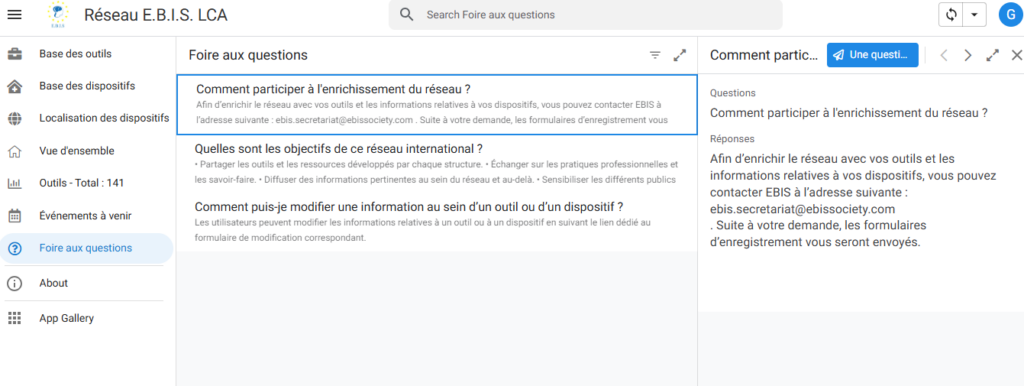
A “Questions & Answers” section is also available. By clicking on a question, you will access its answer. If you have a new question, select one of the existing ones — you will then see a button in the top right allowing you to submit your own question, which we will respond to as soon as possible.
How is the network laid out on PC?
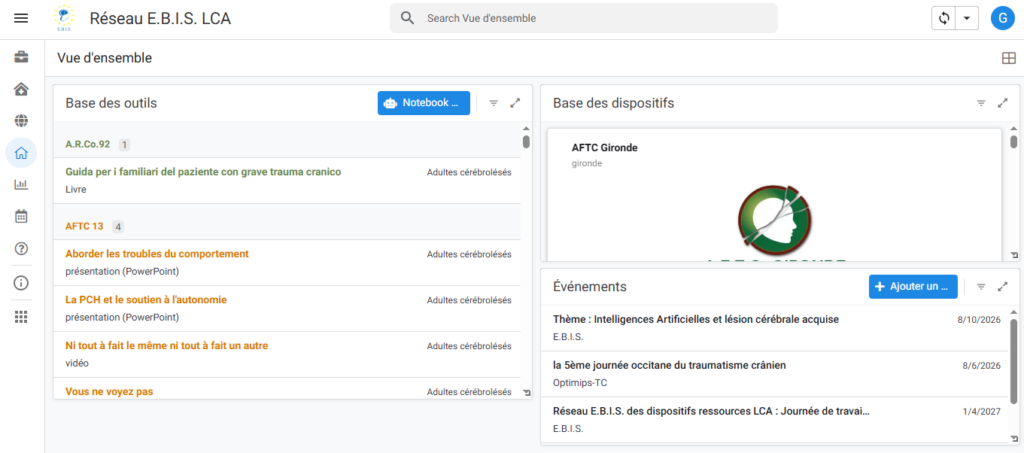
1. Home page: the overview
When you arrive on the EBIS ABI network, you land directly on a home page providing an overview of the content.
You will find three main elements:
- the tools database,
- the services database,
- events organised by the resource services.
This page gives a quick, broad view of the resources available on the platform.
2. The navigation menu
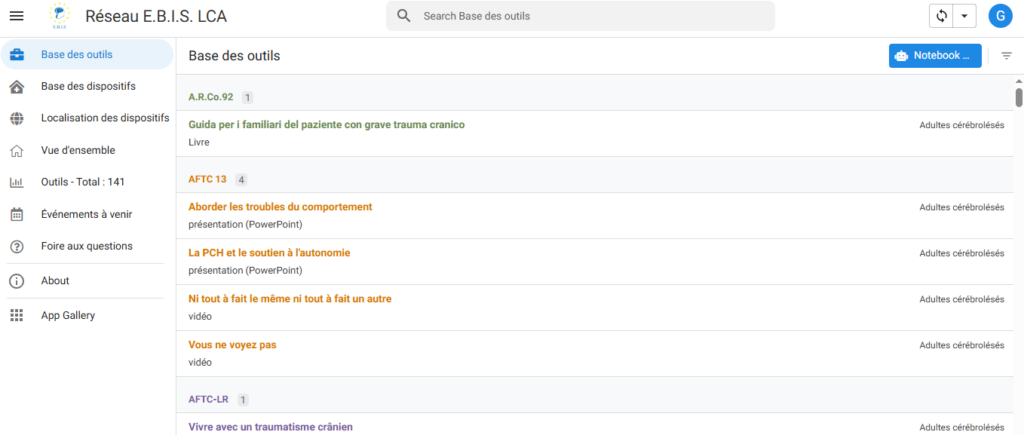
On the left side of the screen, a menu gives direct access to the different sections of the network (by clicking the 3 horizontal bars at the top, you can expand the section labels).
You can in particular browse:
- the tools database (documents, awareness materials, rehabilitation tools),
- the services database (network structures and services),
- the map of services across Europe (this map makes it easy to locate the various partner services).
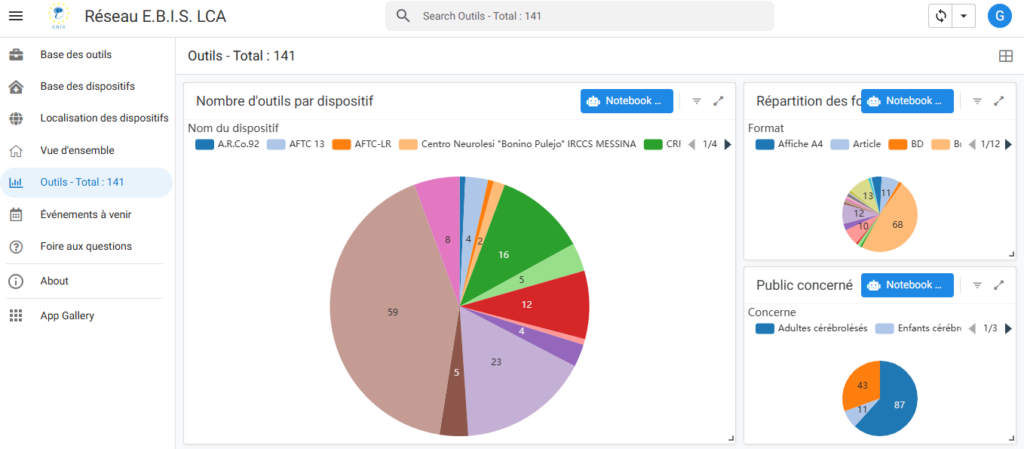
3. Network statistics
The network also features a statistics area.
This area lets you view:
- the total number of available tools,
- their breakdown by format,
- their breakdown by target audience.
This data helps better understand the breadth and diversity of available resources.
4. Events
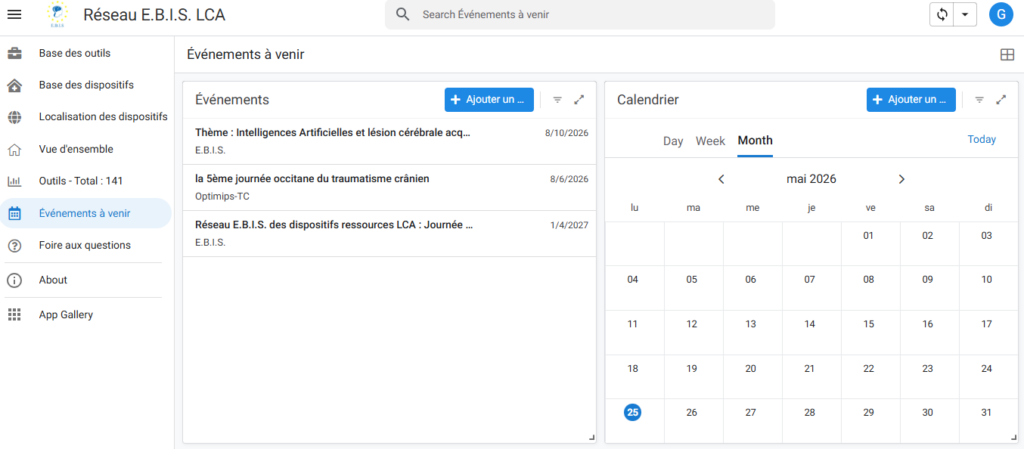
A dedicated space covers events organised by the resource services.
In this section, you can:
- browse upcoming or past events,
- access detailed information for each event,
- submit a request to add a new event to the network.
5. Frequently Asked Questions (FAQ)
The EBIS ABI Network also has an FAQ section.
This space allows you to:
- browse the most common questions,
- get clear answers about how the network works,
- submit your own questions if needed.